How to check in one minute whether your website is losing customers
Most business owners look at their own website far too kindly. You built your business yourself, you know every service and you know exactly what every word on the site means. The visitor doesn’t. They arrive on your site, give it a few seconds and make up their mind before you have a chance to explain anything.
1. Does your home page pass the three-second test?
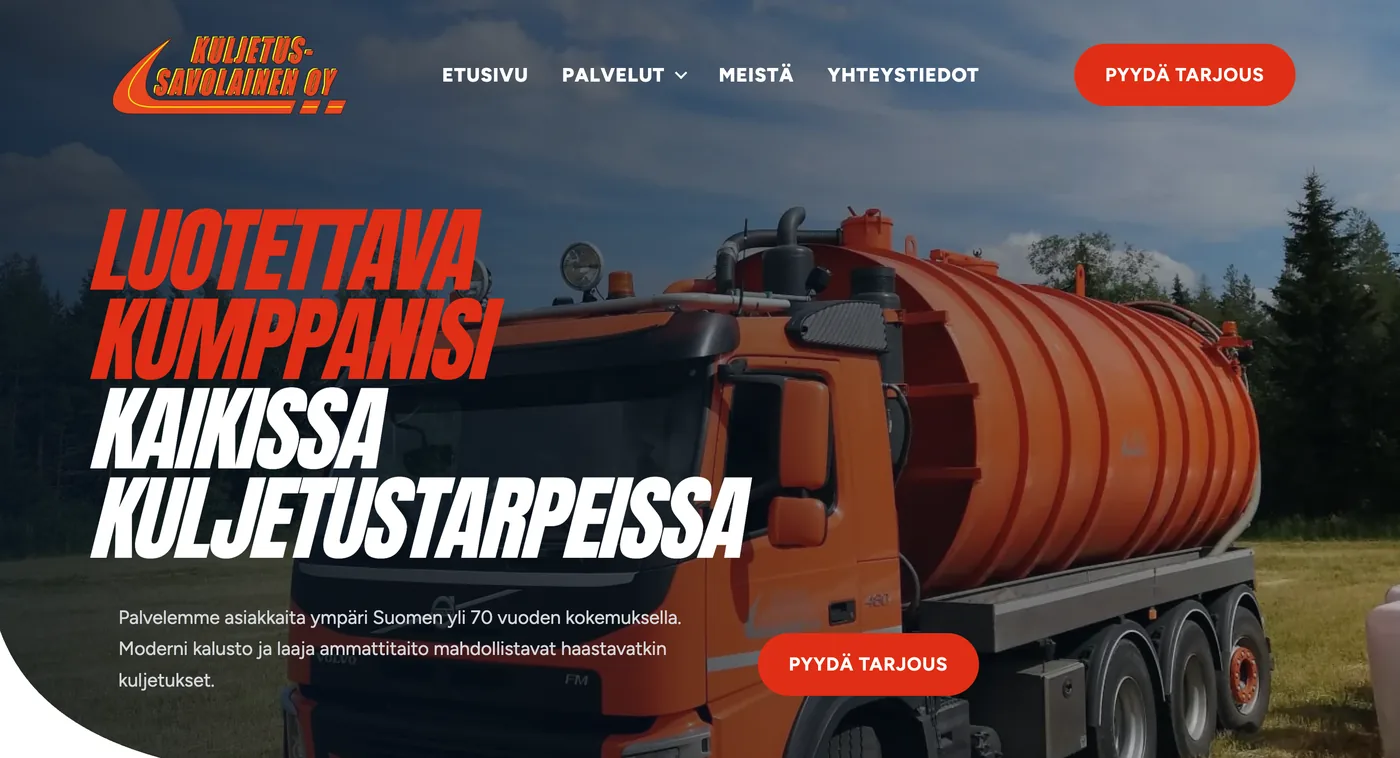
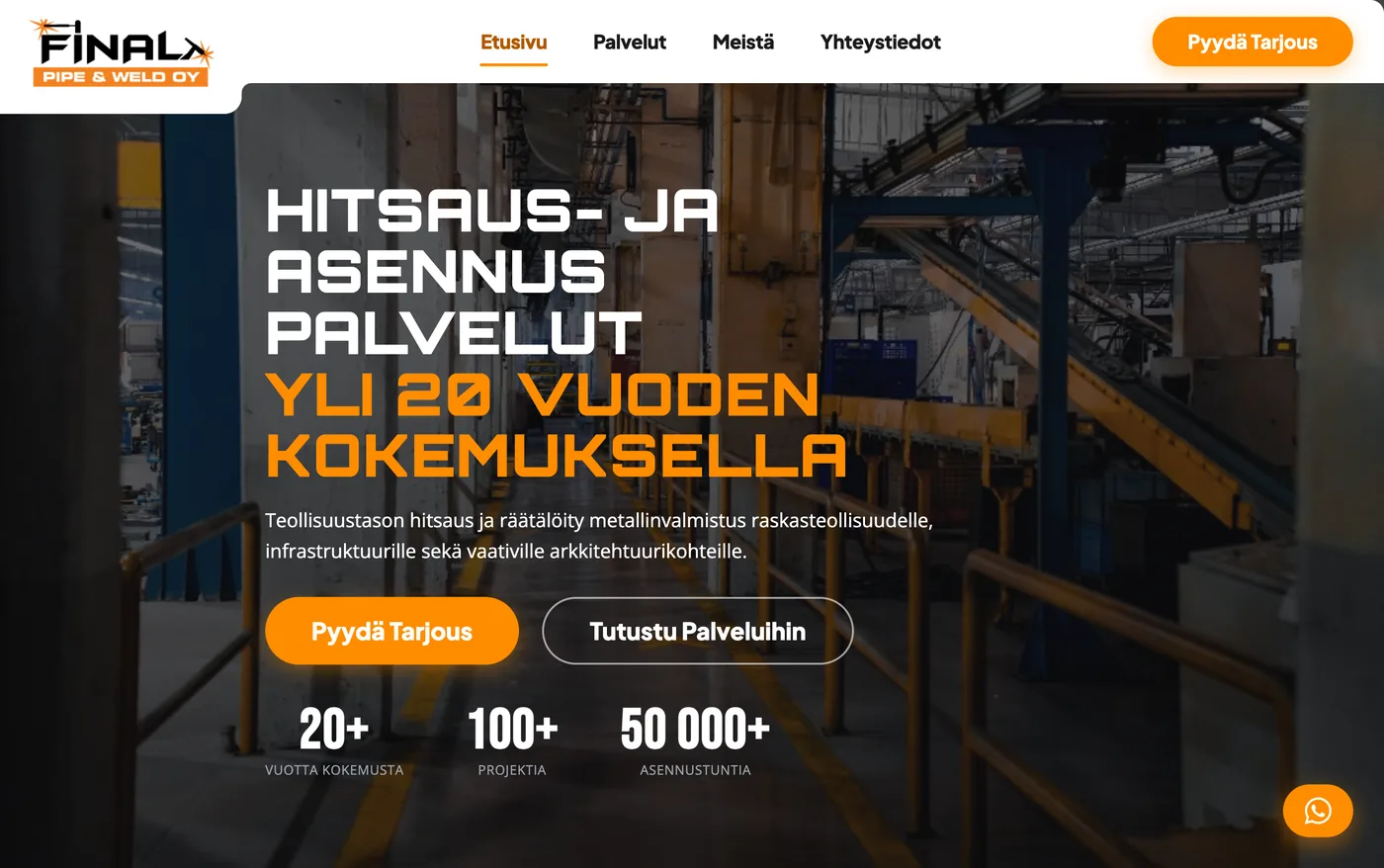
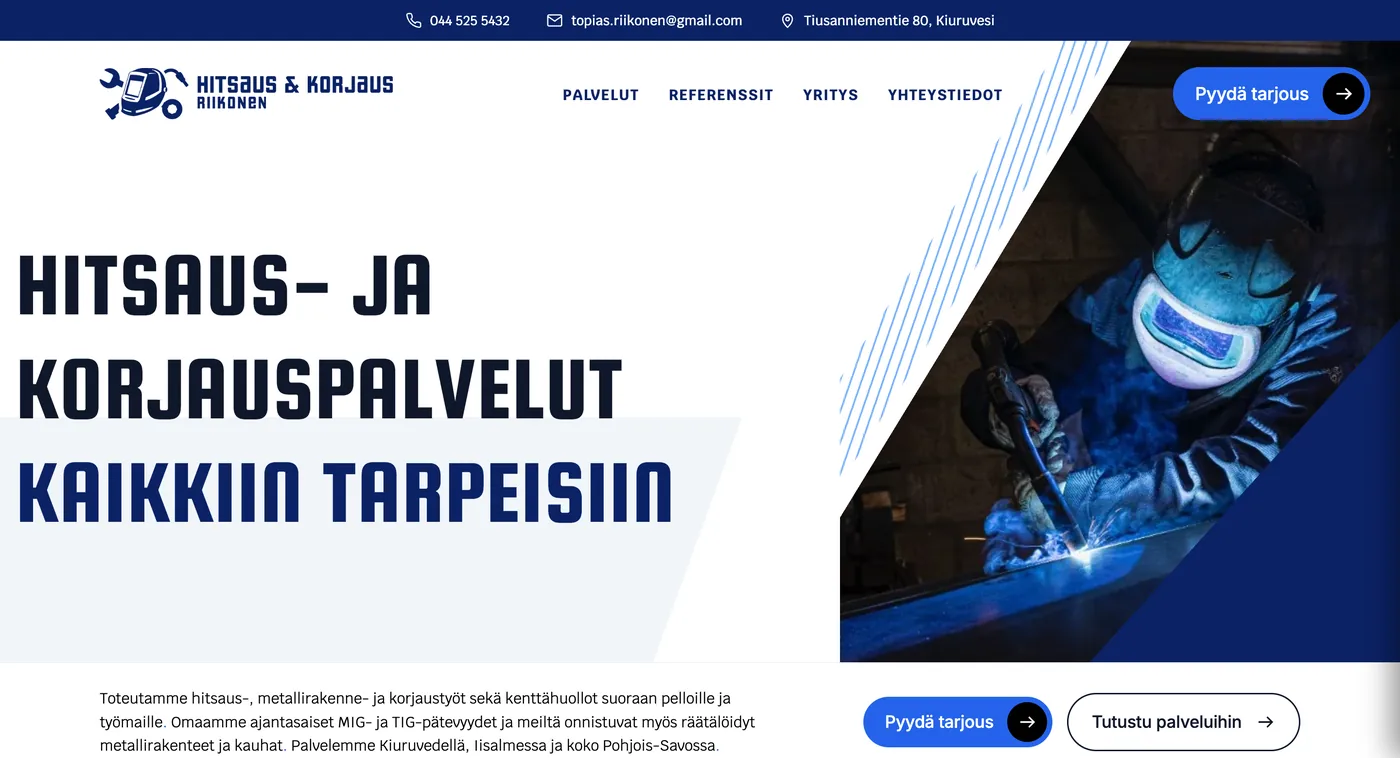
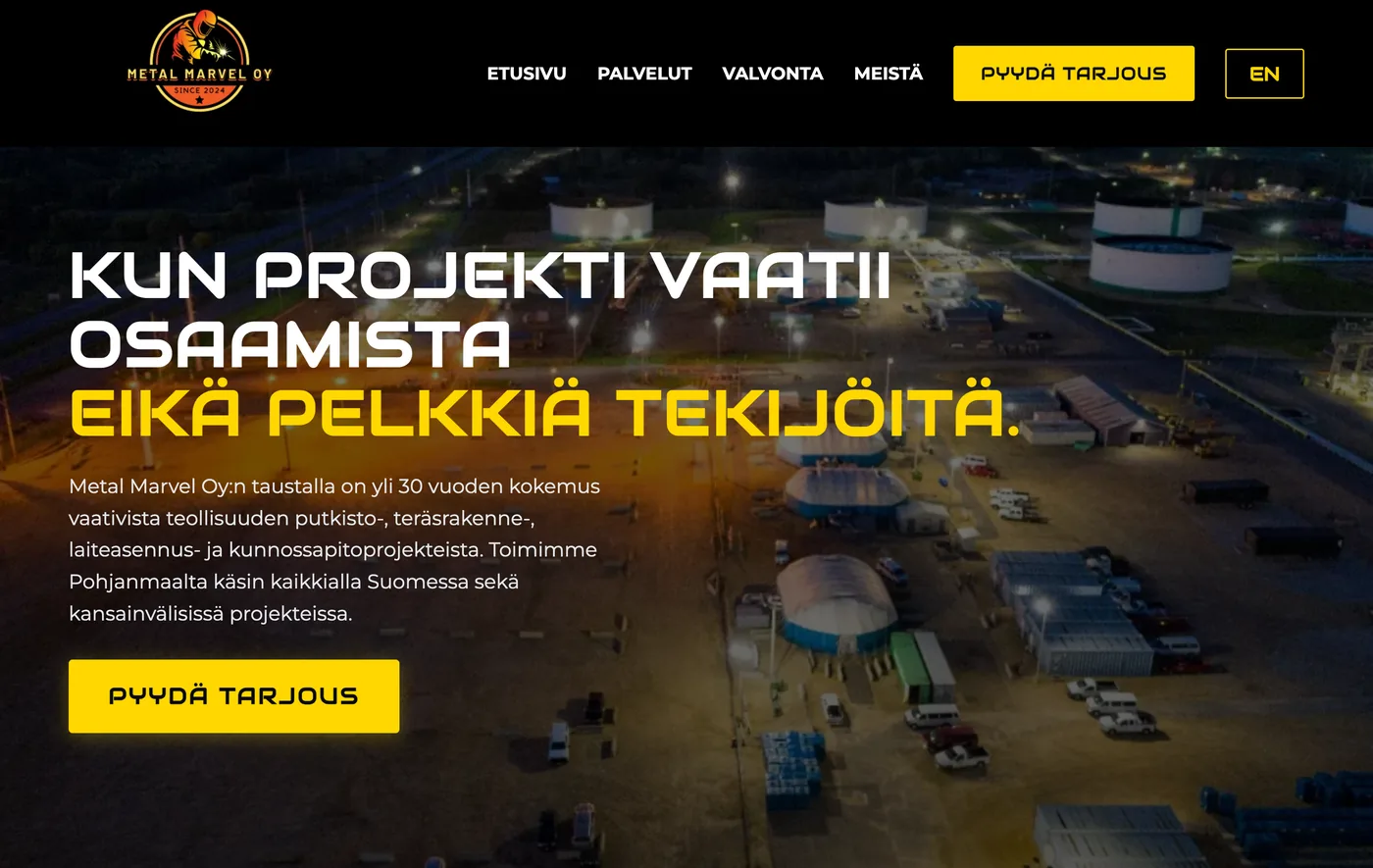
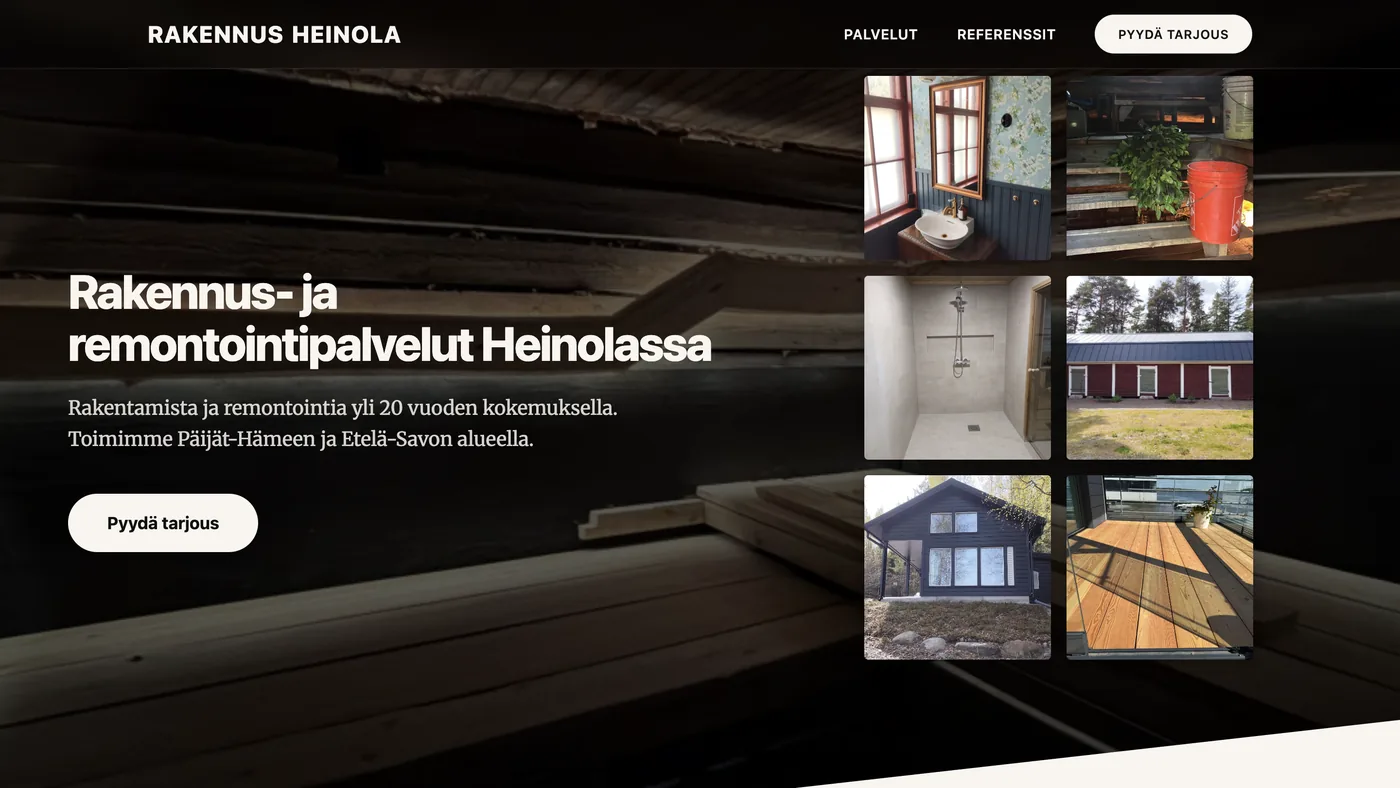
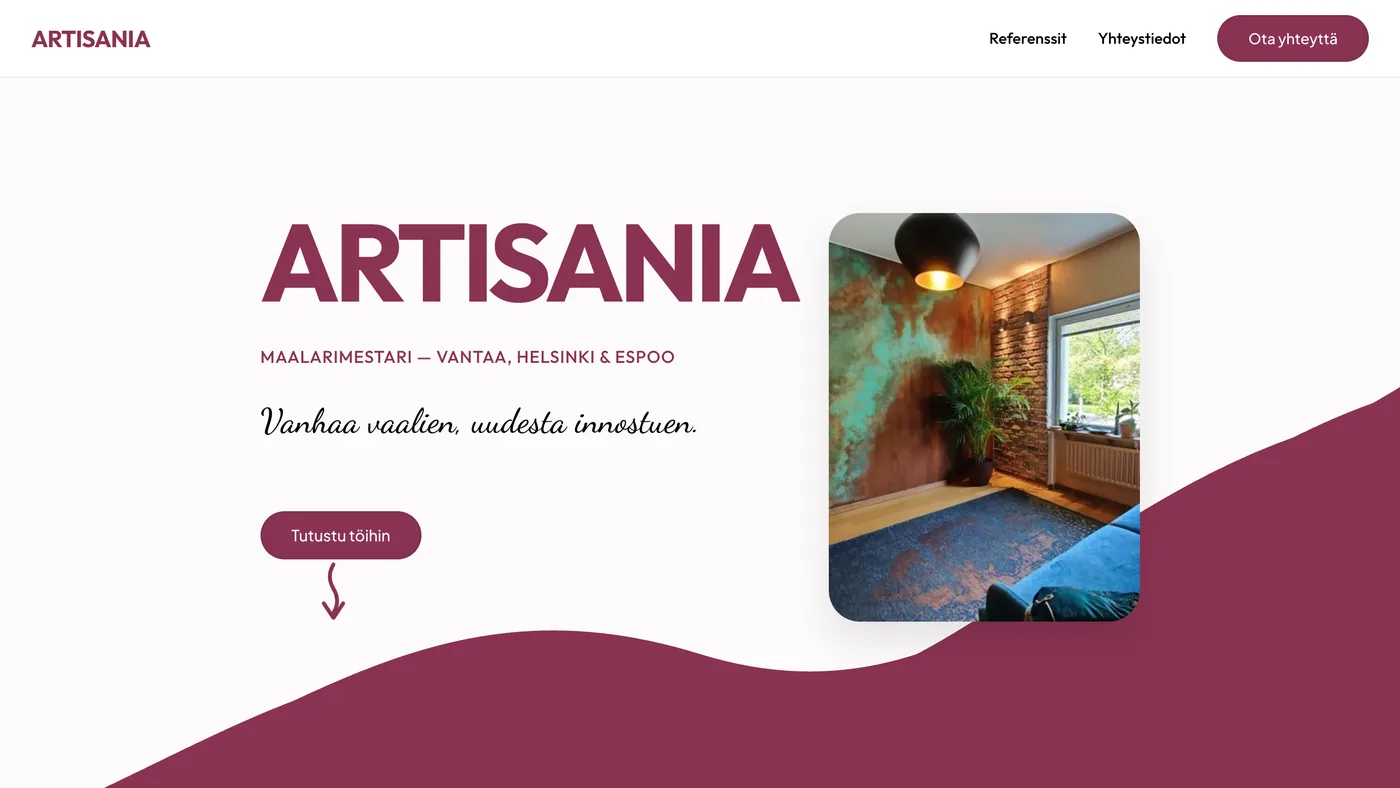
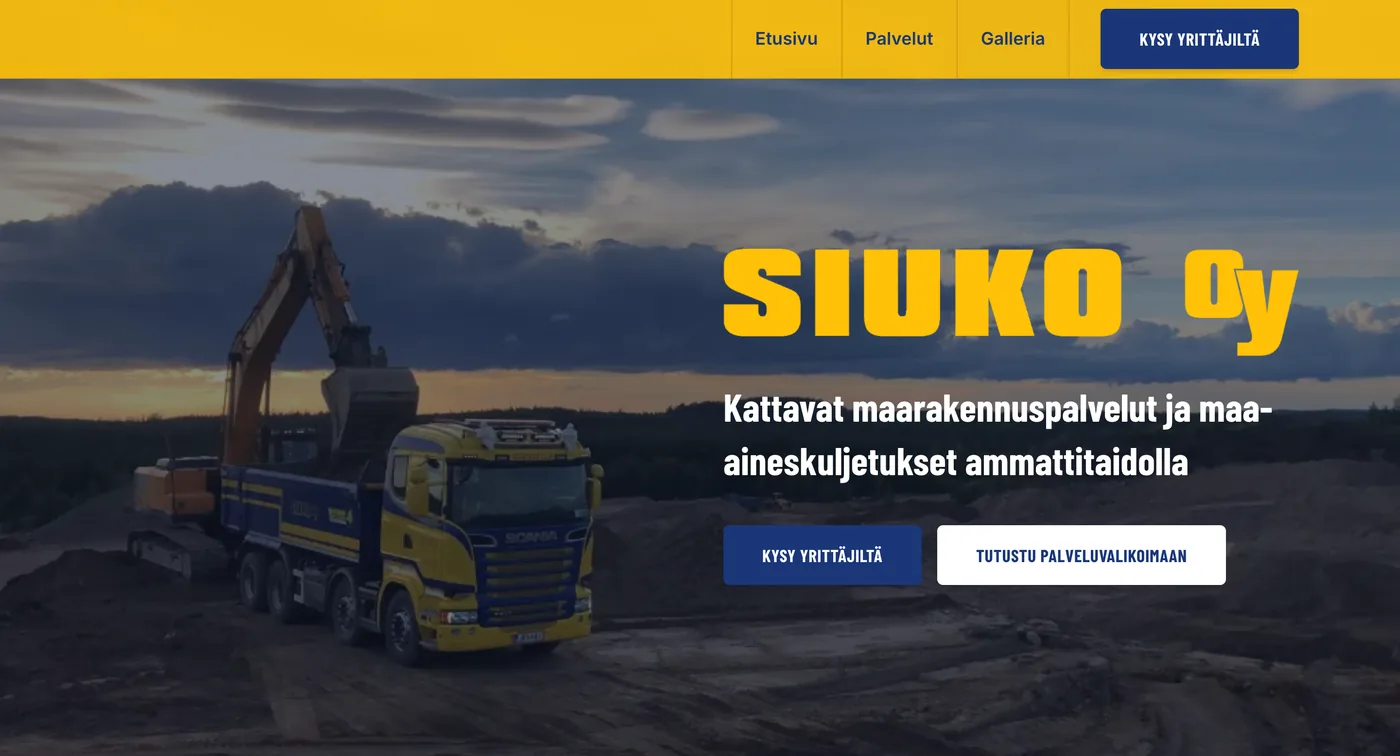
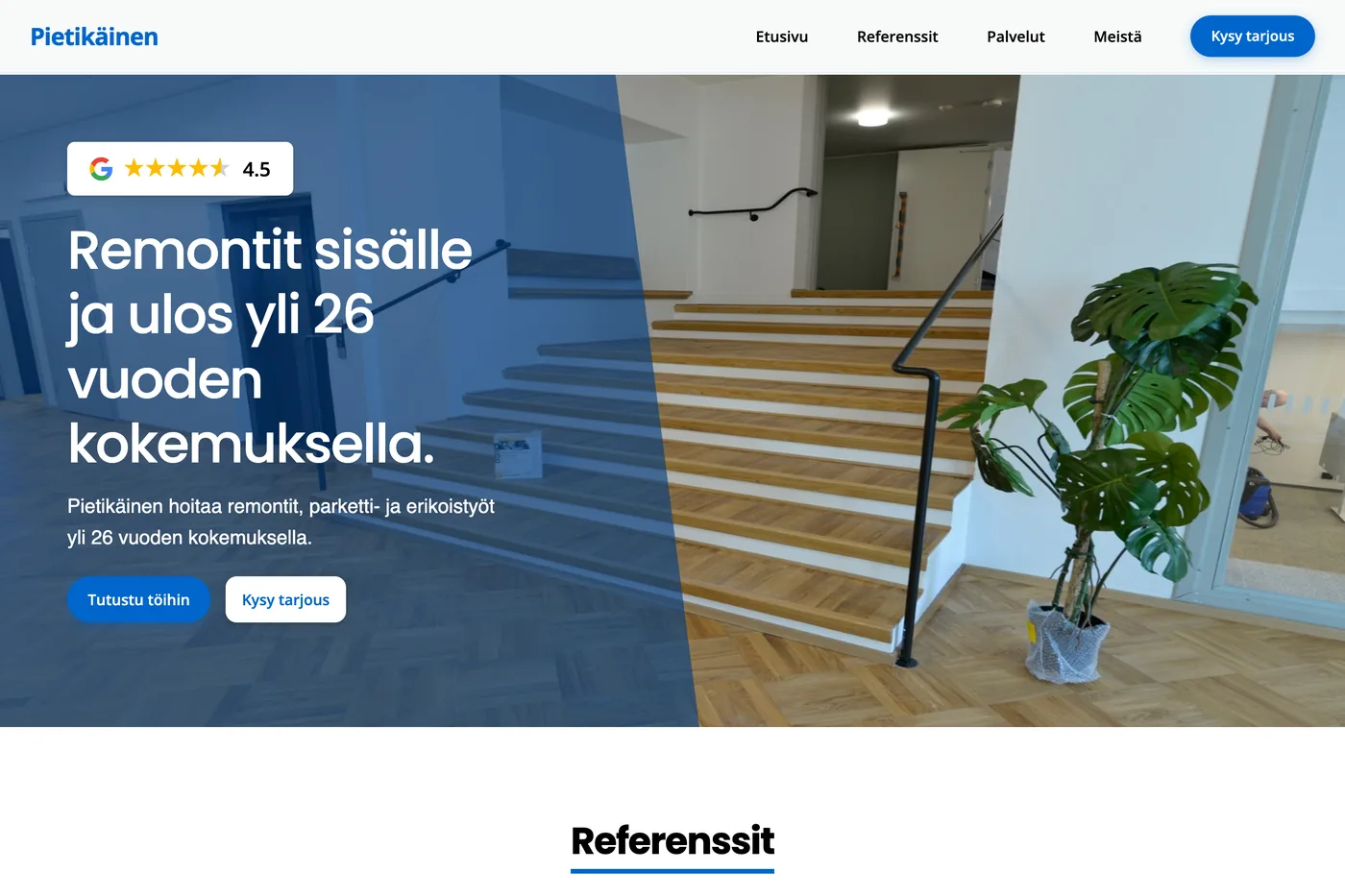
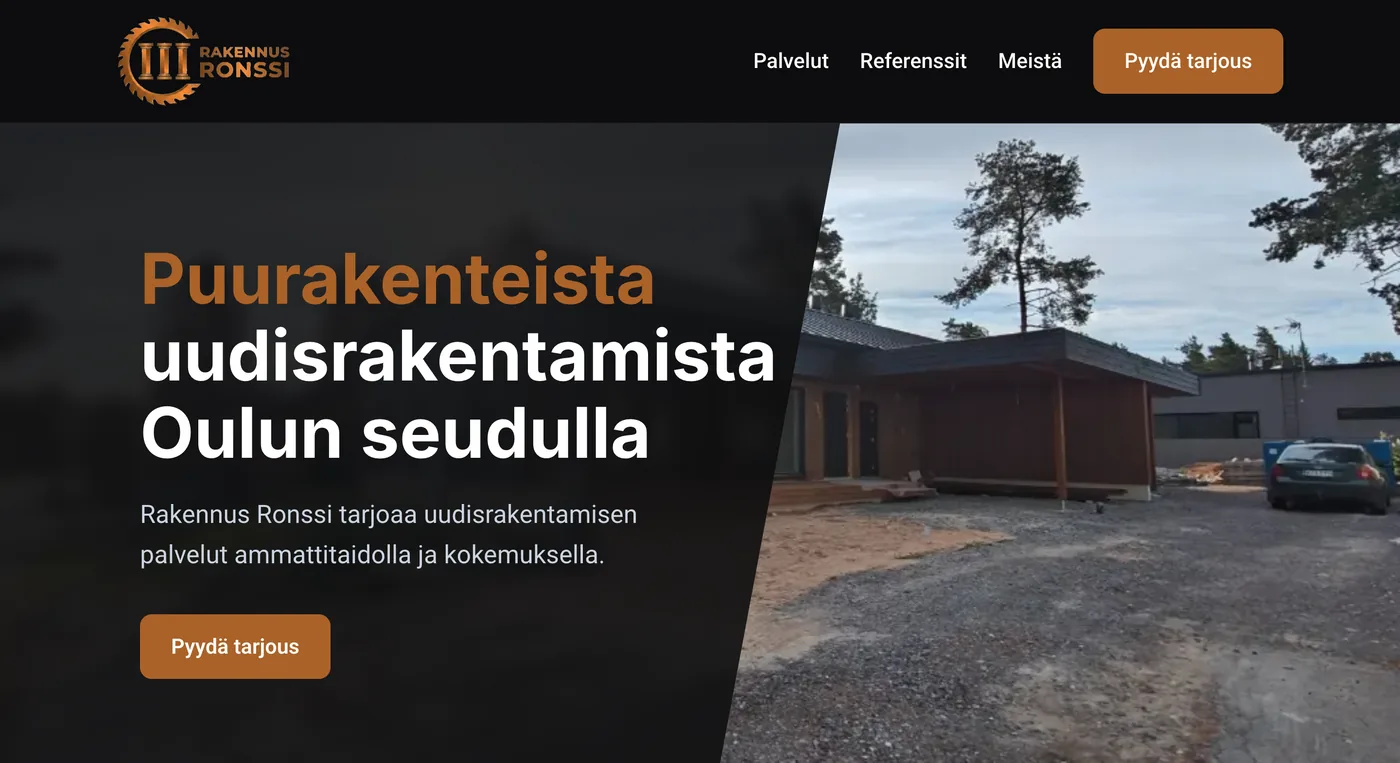
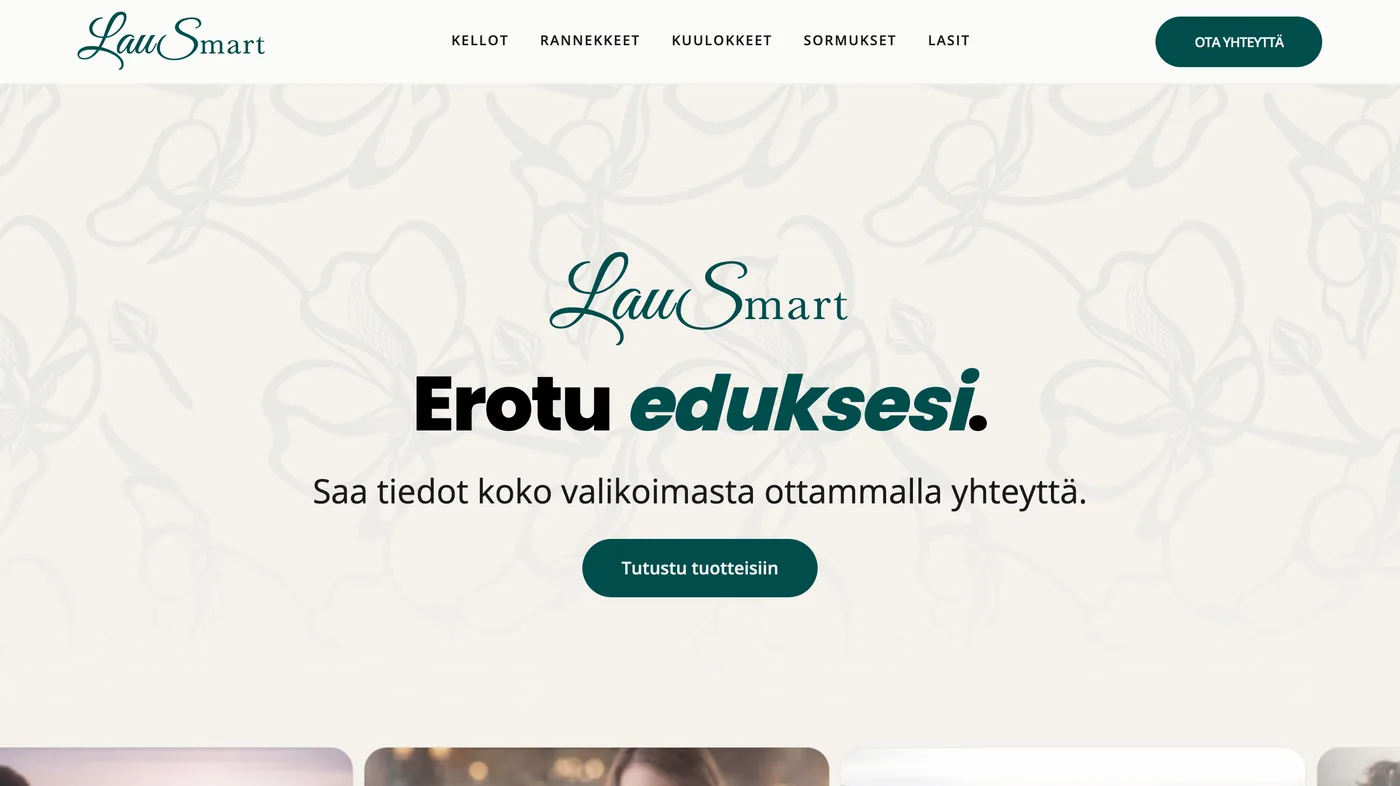
Your website does its most important work right away – in the first view, before any scrolling. When visitors land on your site, they need to understand within seconds what it’s about, or they leave.
Test it with three questions:
- What do you do? Is it immediately clear? (Use a clear statement, not a question.)
- Why should I care? Does the visitor understand who the site is for and what’s in it for them?
- Where do I go next? Can they see at a glance what to do?
If your home page doesn’t answer these straight away, or drowns the visitor in vague corporate jargon, it’s the first thing worth redoing.
2. Are you talking to your customer or giving a lecture?
Nobody reads a website word for word. People scan headings, lists and images and pick out what concerns them. Long walls of text drive away exactly the visitors who were closest to buying.
Cut the text on your site in half – and then preferably in half again. Keep paragraphs short and bring your key messages forward so they can’t be missed. Above all, talk about benefits and outcomes, not features. Visitors don’t care what tools you use; they care what will change in their daily life or business by working with you.
3. Is the next step crystal clear?
A good page doesn’t offer the visitor ten options – it guides them towards one goal. Roughly speaking: the fewer options you give, the better the conversion.
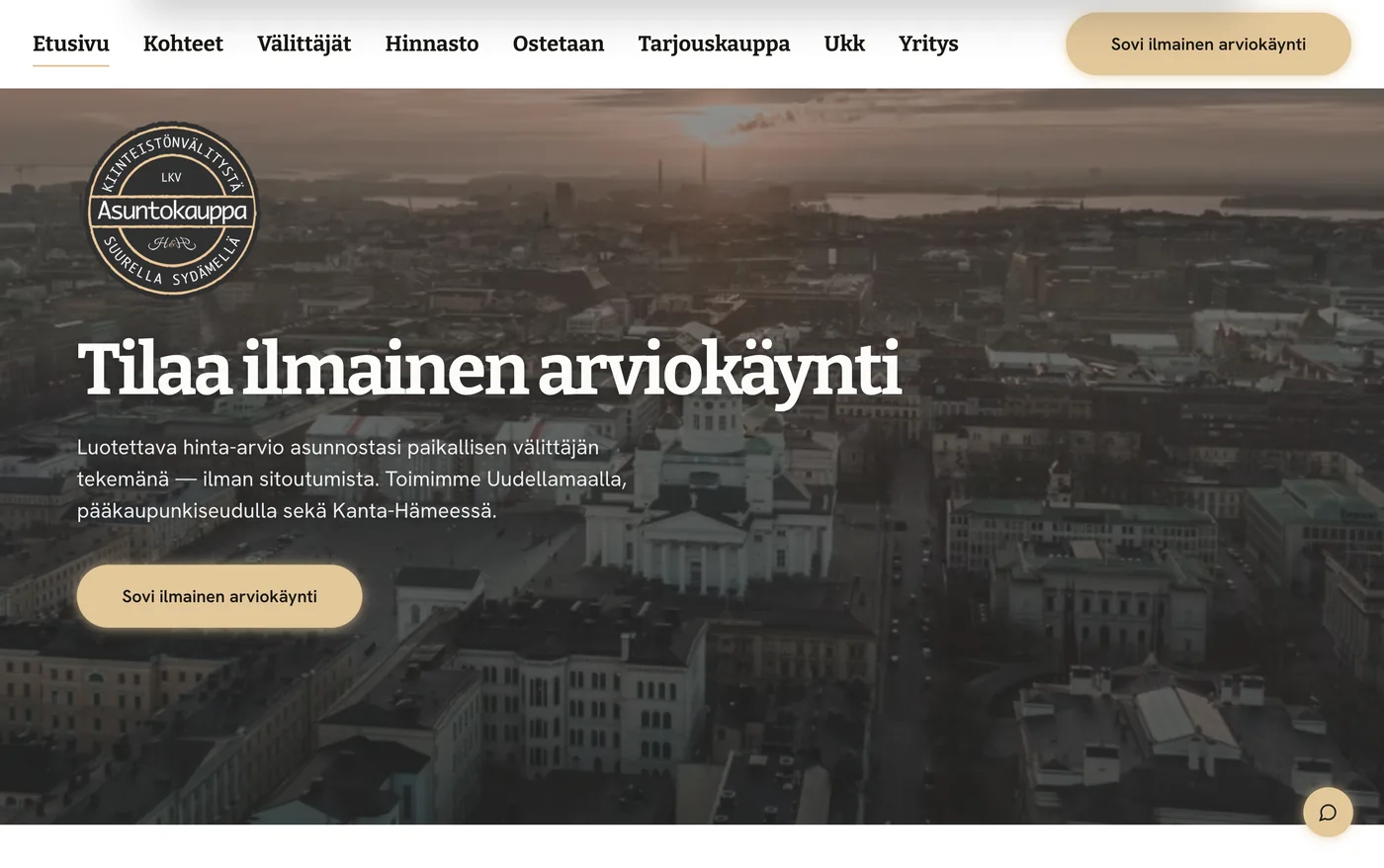
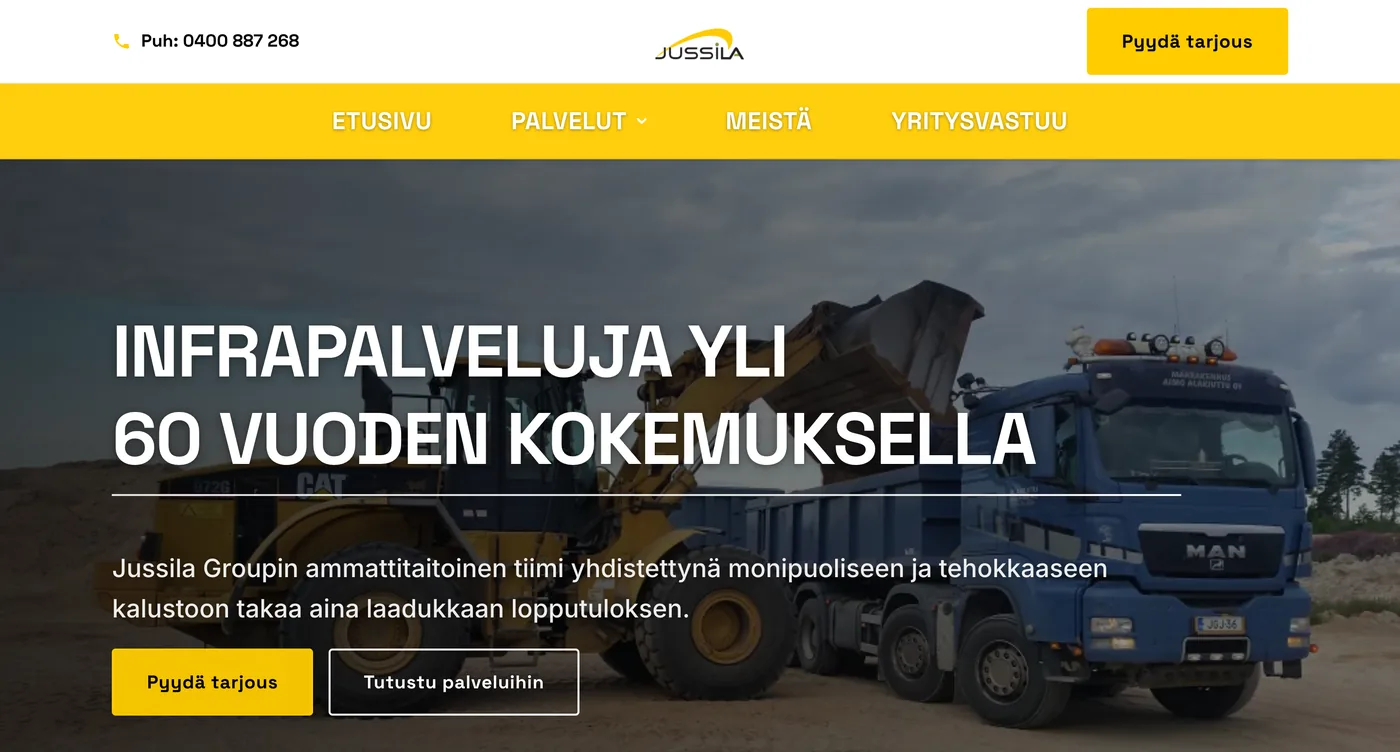
Make sure your calls to action stand out visually and have enough room to breathe. Avoid "Contact us" buttons and instead say exactly what the visitor gets: "Book a free review" or "Buy now" works because it promises something concrete. And don’t hide the navigation for the sake of style. The top menu should be instantly accessible, without delays or complicated animations.
4. Are your photos real and your proof visible?
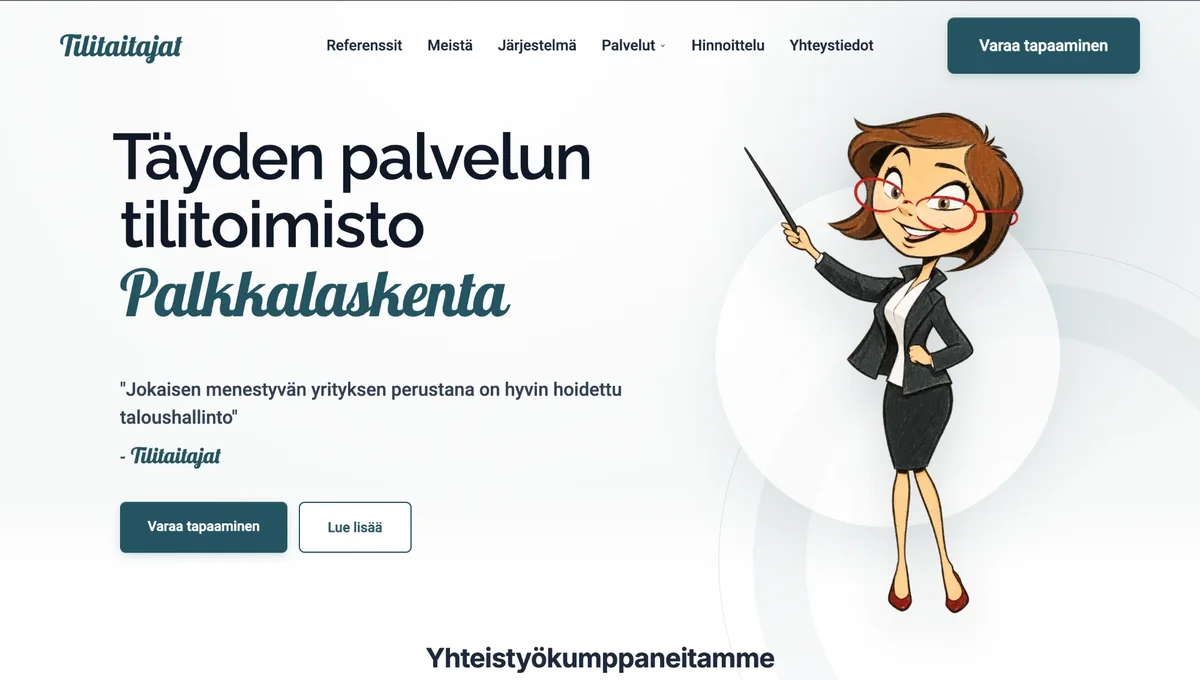
Visitors spot pretence quickly. Staged stock photos of teams shaking hands and smiling offices don’t build trust – they erode it. They suggest there’s no real person behind your business.
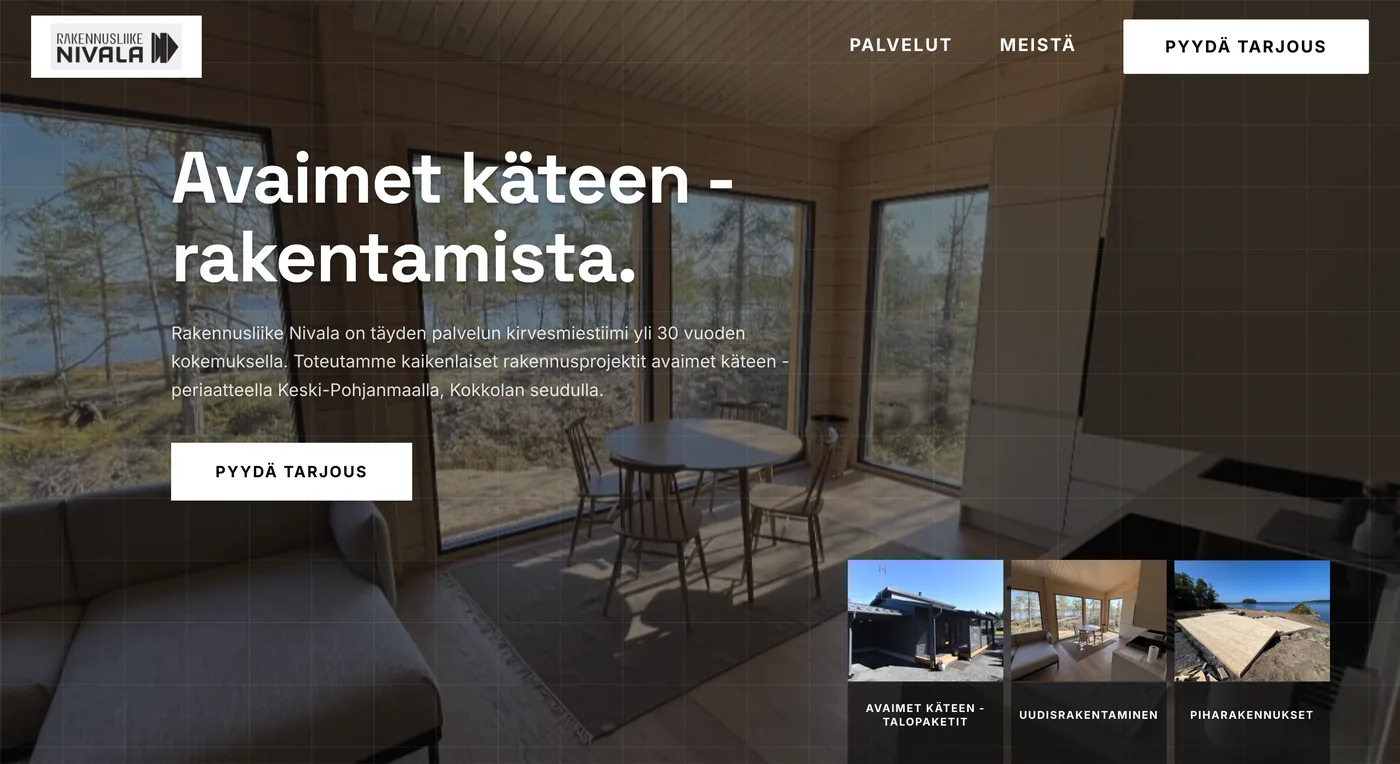
Swap the fake photos for real, even slightly rough, photos of your team, your workspace or your products. It shows there are real people behind the business. At the same time, put social proof front and centre. Client stories, reviews, specific results and familiar logos convince visitors.
5. Is your website fast on a phone too?
If your site takes more than three seconds to load, you lose half your visitors before they see anything. Even the most beautiful site won’t help if it feels sluggish to use. Test your site on a real phone, not just in a desktop browser.
Are the buttons big enough to tap with a thumb?
Let the page breathe, too. White space isn’t wasted space – it reduces cognitive load, makes the site feel higher quality and draws the eye to what matters. Finally, cut unnecessary and heavy animations. If motion pulls attention away from your core message or slows the page down, it does more harm than good.
What if your website didn’t pass the checklist?
If you went through the list and spotted more than one issue, that's completely normal. Very few websites pass all five points, and the fixes are usually smaller than they sound. Start with your home page and your calls to action, because they affect conversions the most. Once web analytics is set up properly, you can see straight from the data where visitors drop off.
If you'd like a professional opinion on your website, you can book a free review. I'll go through your site point by point and tell you which changes are most likely to bring in more enquiries. Based on those changes, we can also design a completely new websites and build a free demo so you can see what your new site could look like.
Want a professional opinion on your website?
Explore the free demoFrequently asked questions about website conversion
Does your home page pass the three-second test?
When visitors land on your site, they need to understand within seconds what it’s about. Test your home page with three questions: what do you do, why should the visitor care and where do they go next? If the answers aren’t immediately clear, the home page is the first thing to redo.
Does your website have too much text?
Nobody reads a website word for word – people scan headings and lists. Cut the amount of text in half, keep paragraphs short and talk about benefits and outcomes, not features.
What makes a good call to action (CTA) on a website?
A good page guides the visitor towards one goal: the fewer the options, the better the conversion. Avoid vague "Contact us" buttons and say exactly what the visitor gets, for example "Book a free review" or "Buy now".
Should you use stock photos on your website?
Staged stock photos erode trust. Replace them with real photos of your team, your workspace or your products, and put social proof – client stories, reviews, results and familiar logos – front and centre.
How fast should a website load on mobile?
If your site takes more than three seconds to load, you lose half your visitors before they see anything. Test the site on a real phone, make sure the buttons are big enough for a thumb and cut unnecessary, heavy animations.